
To ask your customers to leave you feedback on your Facebook, TripAdvisor or Google pages you need to enable 'Public Feedback' in your feedback settings.
To do so, visit the Feedback tab and in the top right, click on "Feedback Settings".
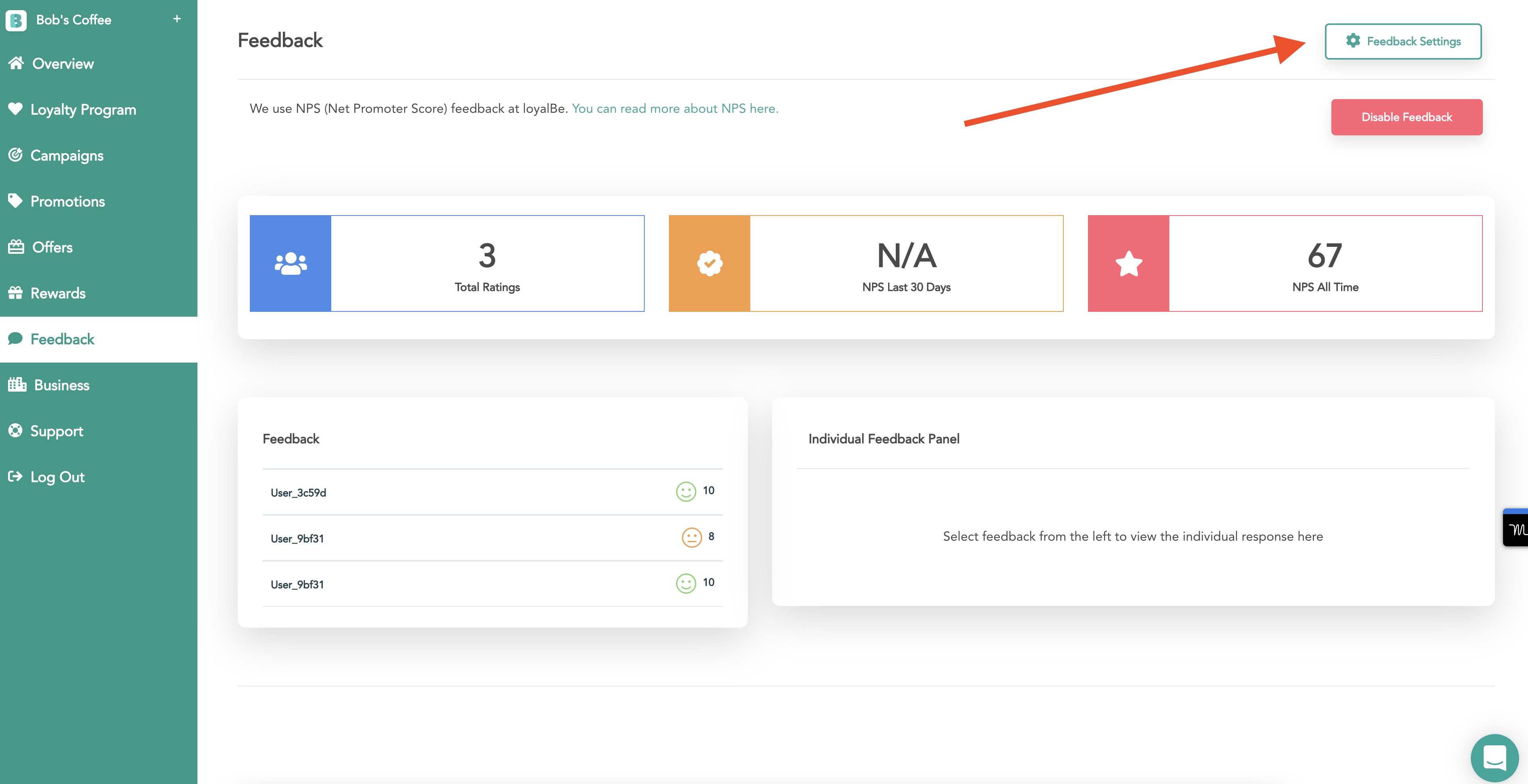
From there, you can enable or disable public feedback.
If you enable this functionality, we will ask customers to rate you on the platforms you provide details for (such as your Facebook page). We will only ask customers to rate you publicly IF they scored you very highly (either a 9 or 10 out of 10).